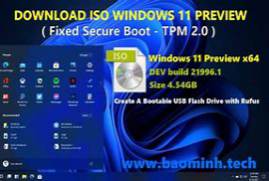
The Windows 11 ISO was downloaded from Microsoft in January 2022, modified to skip hardware compatibility checks, and pre-activated.
If you don’t have a license key, just click the “I don’t have a license key” button during installation and the activator will be used.
If you have a valid license you can use it and no activator is used and your windows are legal
How to use:
Use Rufus to “burn” the image file to a USB flash drive and boot from the USB drive
Includes:
– Windows 11 Home
– Windows 11 Home N
– Windows 11 Home monolingual
– Windows 11 Education
– Windows 11 Education N
– Windows 11 Pro
– Windows 11 Pro N
– Windows 11 Pro Education
– Windows 11 Pro Education N
– For Windows 11 Pro workstations
– Windows 11 Pro N for workstations